01+
Pick one, or a few.
Choose the photos you want to work with and jump straight into editing.
Nine-grid slicing, photo collages, and smart long screenshot stitching. Simple tools, exactly where you need them.
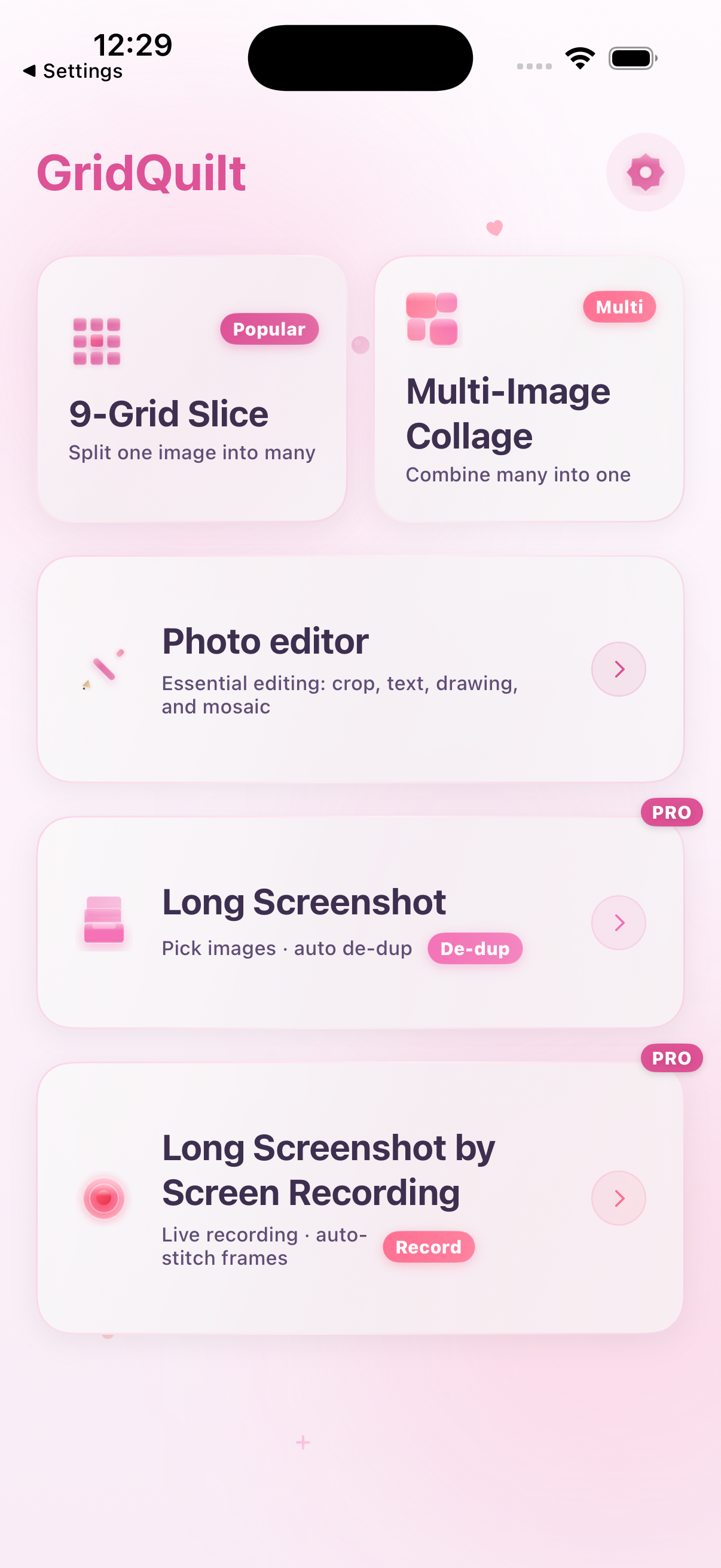
Nine-grid slicing, regular grids, free collage templates, ratios, gaps, and crop controls. Images are processed locally in your browser, with the same free 720P limit as the App.
Images stay in your browser and are never uploaded.
Pick, adjust, export. No complicated menus, nothing to get in the way.
Make a social-ready grid in seconds. Choose a layout, move the crop, tune the gap, and export every tile in order.
Try it in the App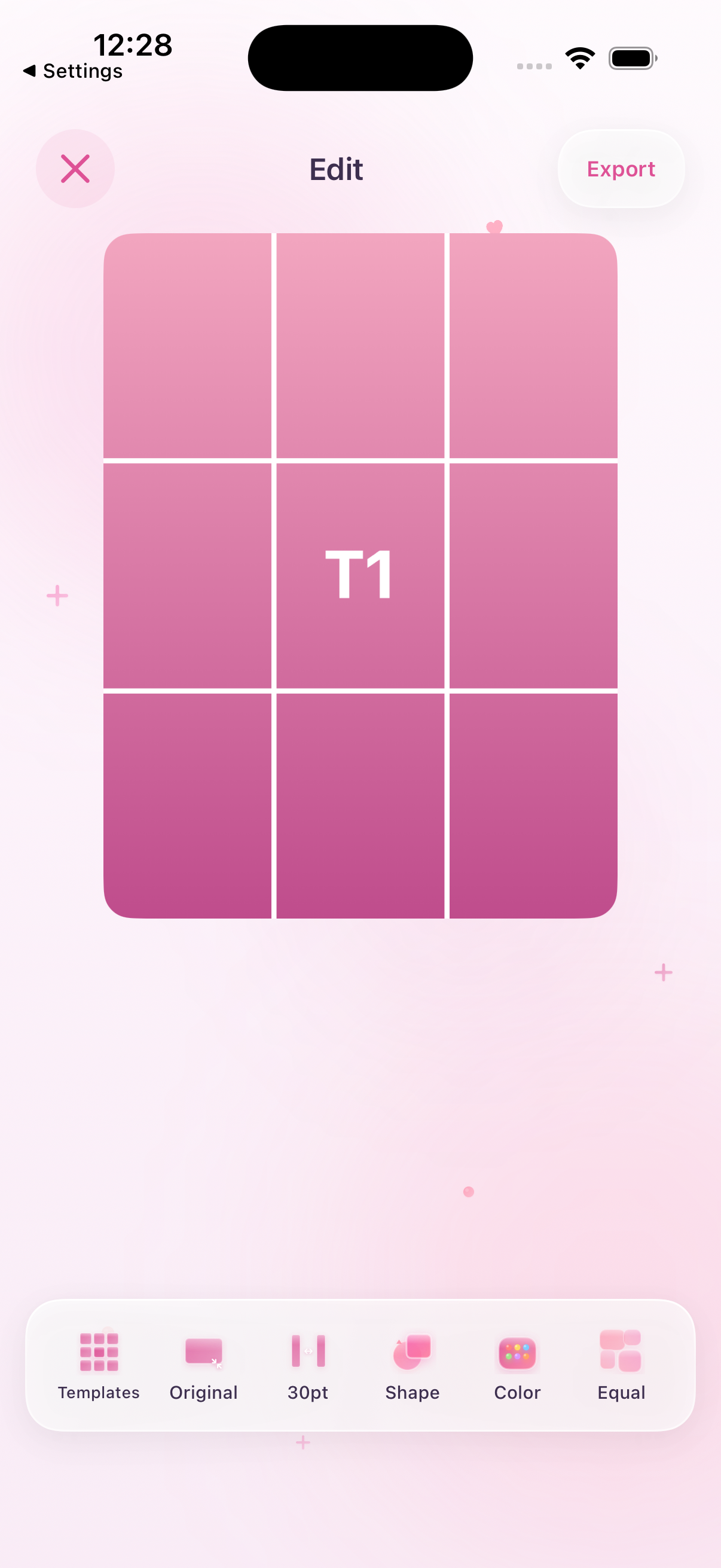
GridQuilt keeps the useful controls close and leaves the clutter outside.
Choose the photos you want to work with and jump straight into editing.
Keep the grid, ratio, gap, and framing controls simple.
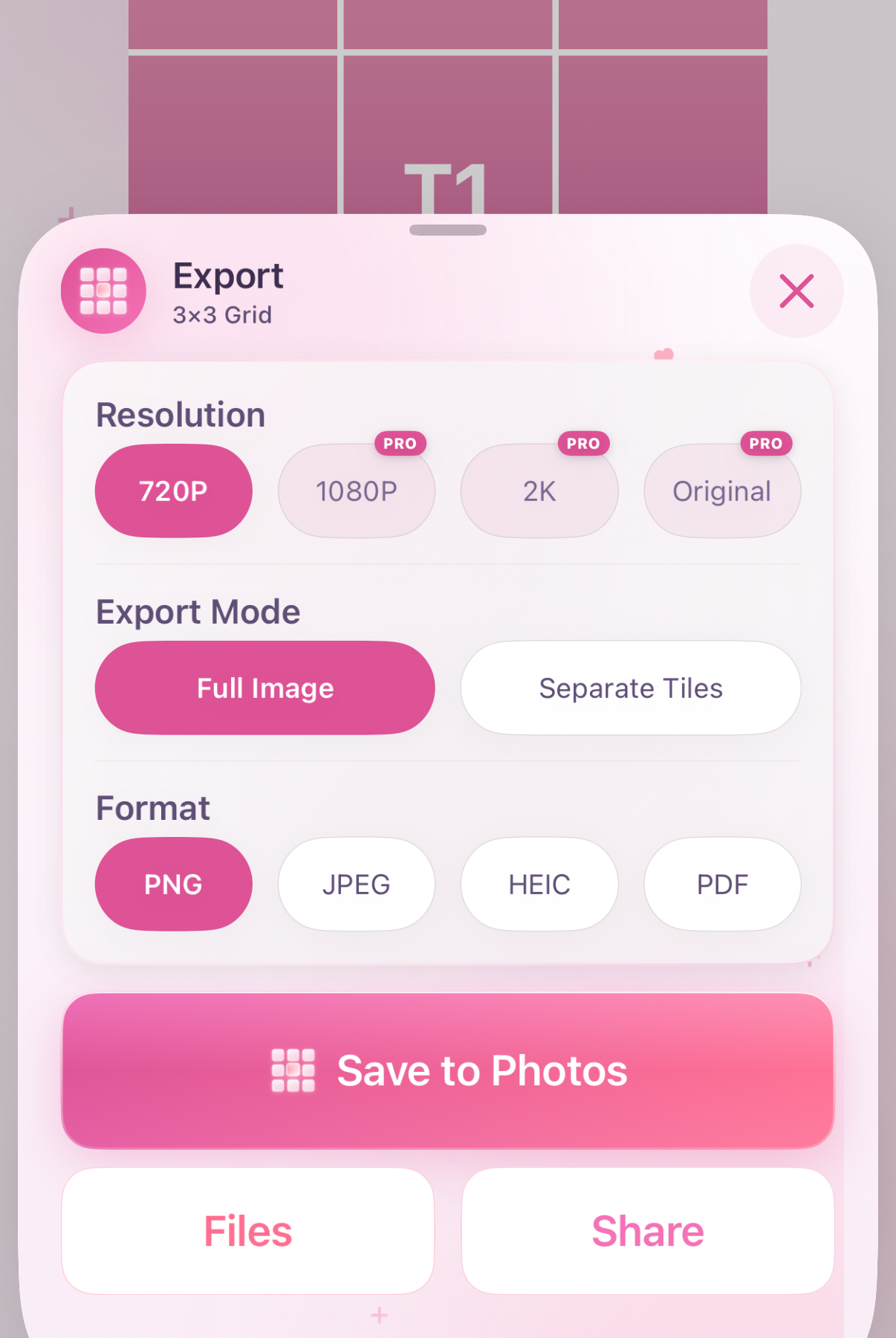
Export PNG, JPG, HEIC, or PDF and send it wherever it belongs.
A nine-photo post, a travel memory, or a long page worth keeping. Every image deserves a little order.
If you want to make images feel organized quickly, GridQuilt is for you.
You can start with the basic slicing and collage tools for free. Larger grids, high-resolution export, and long screenshot stitching are Pro features unlocked by one purchase—no subscription.
GridQuilt · a simple iPhone / iPad photo tool for nine-grid slicing, collages, and smart long screenshot stitching.
Download on the App Store Start free · Pro is a one-time purchase · No subscription